Finding an engaging homeschool science curriculum for K-5 can be a challenge, especially if you’re looking for an online program. We have been using Rainforest Journey from EdTechLens for this review for my 5th grader, 3rd grader, and kindergartner.

Rainforest Journey is an online, digital learning program that covers life science for students in grades K-5. This elementary science program takes kids into the rain forest, using real images and videos from this habitat to explore how plants and animals have adapted to the environment, as well as in depth information about different plants and animals in this complex ecosystem.

Using Rainforest Journey
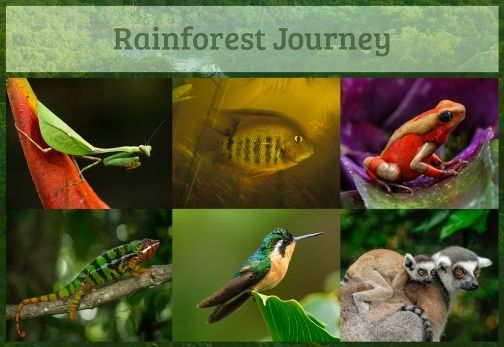
EdTechLens has put together a beautiful program. It uses huge, full-screen pictures taken from an actual rainforest (no silly animations or clip art!) to draw students into the lessons. There are also videos, scientist interviews, and more. One feature that all of my kids liked was that you could click the speaker icon to have the different portions of the lesson text read aloud. Of course, my kids are perfectly capable of reading the information themselves, but they are also auditory learners, so it was awesome for them to be able to use this feature.
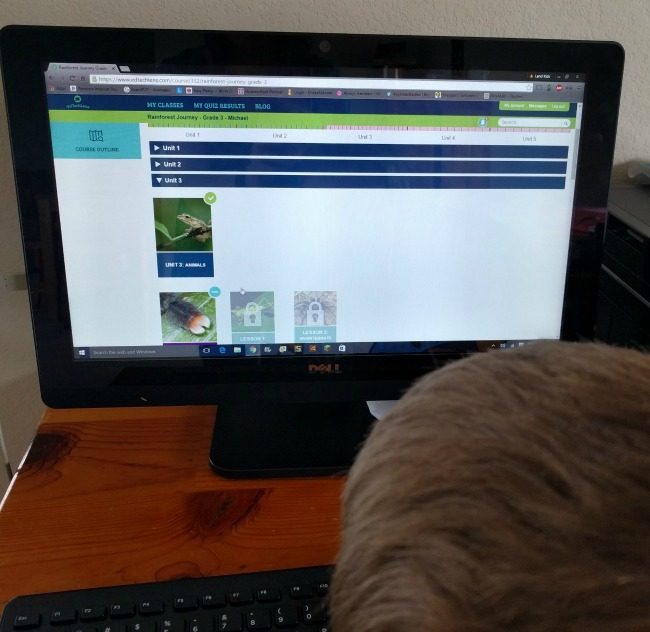
I chose to allow my students to complete their lessons in Guided mode. This means that the work must be completed sequentially. There is also the option to set your students up in Open mode which allows them to navigate through the information in any order.
When my kids logged in, they were able to see all of the 5 units, and could click on them. It was easy to identify which ones they had completed, because those had a big green check. They were able to go back to those units at any time. The one they last worked on would have a little blue circle so they could easily choose to continue that lesson. Future lessons were locked until they completed the previous lessons.
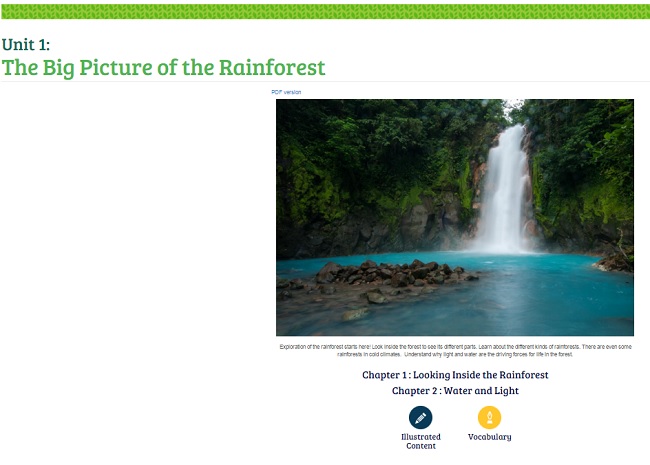
My 5th grade daughter likes science, but doesn’t necessarily love it. It took her a while to get used to the program, and I was truly hoping she could just turn it on and get to work. However, she kind of took a less enthusiastic approach for the first several lessons and didn’t do so well on her quizzes. I went in and saw her progress a few weeks into the program and nipped that in the bud! I want her to do better on her assessments by paying closer attention to the information! I noticed that while there were many different things available to click on and work through, such as videos and interviews, she was skipping over many of those things and then doing poorly on the quizzes.
Now that I’ve seen what she’s been doing, it is much easier to help guide and correct her behaviors. I’ve sat down with her during the lessons a few times since then and have shown her that I expect her to click on everything and that I do not consider any of the information as optional.
If you have a student that likes to take shortcuts, please be sure to keep an eye on that! I regret not catching it sooner, and I truly have no excuse because it’s all there in the Parent / Teacher section of the website!

Parent / Teacher Resources
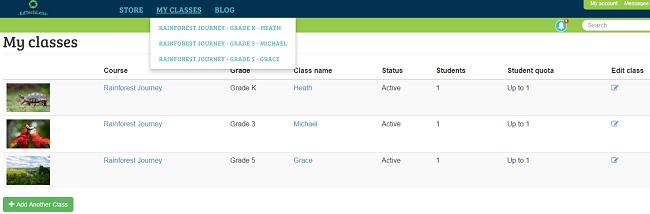
You sign your students up in classes. A class represents a grade level, so I have 3 classes. I have a class for K, 3, and 5 and one student in each class. They each go through their own grade level and they all cover 5 units. It is easy to manage my classes (which are really just my individual students) from my teacher account. For parents with more than one student in a single grade level, or for co-op organizers or school teachers, the program would work the same except these classes would have more students!
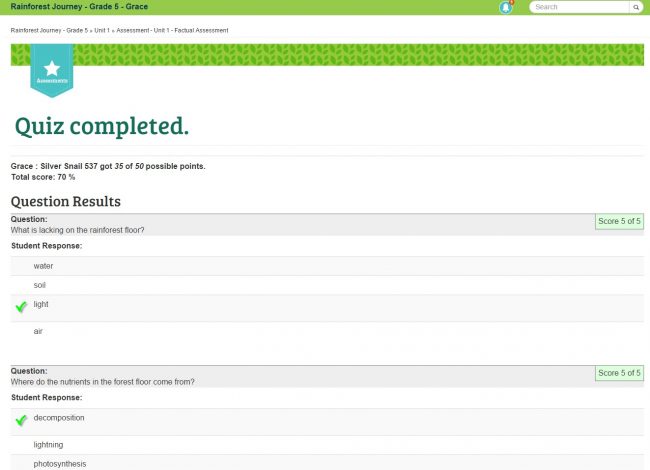
As I mentioned earlier, it is easy to look at students’ quizzes that they have completed. You can even see how they answered and how many points they got for their responses. Depending on how they did, you could have them go back and re-read and re-watch information to help reinforce concepts that they missed the first time.
My 3rd grade son and Kindergarten son have been working through the program as well. My youngest worked through at an incredible pace and really enjoyed it! He did pretty well on his quizzes. Through looking at his progress, I can see areas that I might want to have him work on more in-depth. The student reports are very helpful for me so that I can tell what was learned even when I wasn’t around.

Final Thoughts
Rainforest Journey is a good program for elementary science education. I love that it can be completed online and you can have your students use it every day or just a few days a week.
The lessons don’t take long, and there are plenty of activities to keep them busy. That said, I see this more as a supplement than a full curriculum. My students are flying through it quickly. Part of that is because they love it, and part of it is because it doesn’t take very long to complete the lessons and activities.
I love the look of the lessons and that it covers a lot of great vocabulary relating to life science. The older grades have open ended assessments in addition to the more interactive quizzes. There are many charts and illustrations that relay information in different and engaging ways. There are many resources that can be printed as well if you like keeping a physical copy of the work your child is doing.
I will continue to use this program with all of my students until they each complete all 5 units with a grade that is satisfactory to me. I like that they’re picking up this valuable information and truly value the digital aspect of it. It teaches them the information in many different ways so it is great for different types of learners!
I liked that each of the levels we reviewed were grade appropriate. My kids even called it “easy” sometimes, but I think that it is important that the information be presented in a way that is appealing to them and maybe even a little “easy” on the text side. I noticed that the more multimedia resources in there, including some of the charts and videos, really addressed the information at a higher level, so it evened out for sure.
See what other families thought of this curriculum by clicking on the banner below.